
TLDR; Quick Summary – Getting ghosted by a web developer can shut down your business overnight.
If you do not own your domain, have admin access to your website, and know where your site is hosted, you are at risk. Unresponsive vendors, vague ownership, and slow basic updates are warning signs that predict bigger problems later.
Before hiring anyone, confirm who owns what, how fast they respond, and how easy it is to leave. If a vendor controls everything, you do not have a partnership. You have a liability.
Getting ghosted by your web developer while they’re still charging your credit card is a special kind of business nightmare. You can’t update your website. You don’t own your domain name. Nobody answers your calls. And your entire online presence hangs by a thread controlled by someone who vanished.
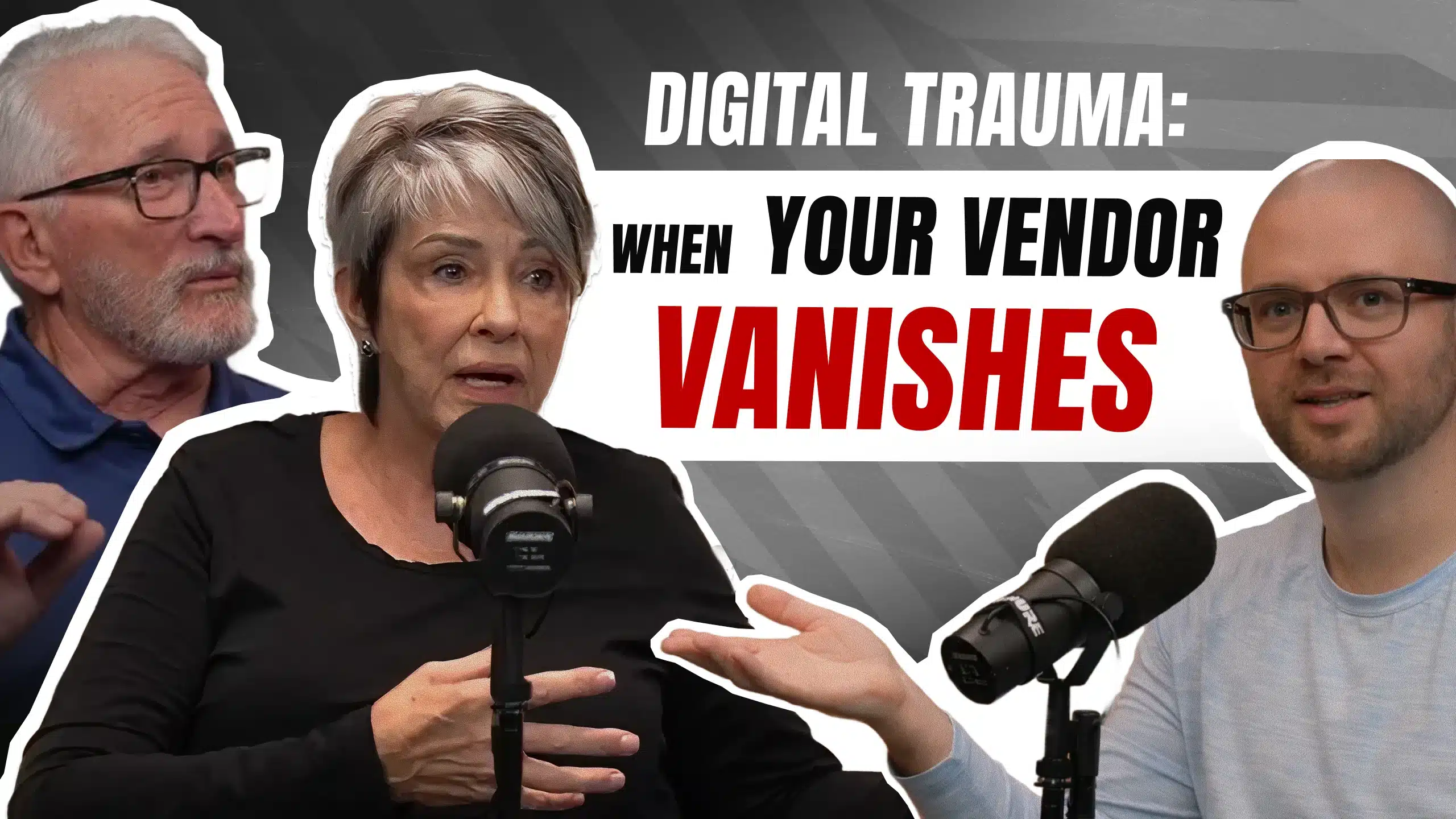
Mike and Devra run a fingerprinting and notary business. Four years of community relationships, licensing credentials, and chamber of commerce networking. Then their web developer disappeared for months. Still billing them. Still hosting their site. Just completely unreachable.
Their story isn’t unique. It’s the same conversation I have with almost every prospective client. Here’s what they learned about choosing a vendor after digital trauma, and what you should look for before you end up in the same position.
What Digital Trauma Actually Looks Like
Digital trauma is what happens when your vendor relationship goes bad and you realize how vulnerable your business actually is.
Mike and Devra’s situation was particularly brutal. Their developer stopped responding to calls and emails completely. Two months of silence. The website was live and payments were still getting pulled from their account, but they had zero ability to make changes or updates.
When they tried to take control, they discovered they owned nothing. The domain name was registered under the vendor’s account. The hosting credentials were with the vendor. They didn’t even have editor access to their own WordPress site. Their entire digital presence existed at the pleasure of someone who wouldn’t pick up the phone.
For a mobile service business with no brick-and-mortar location, this was catastrophic. Their website was their only storefront. They serve clients who work during the day and need evening appointments. People who can’t leave home. The website was how potential clients found them, verified their credentials, and decided to trust them enough to let them into their homes.
Without website access, they couldn’t update services, add new locations, or show current availability. Four years of branding and community visibility could disappear in an instant if something broke or if the vendor decided to shut things down.
The worst part was the helplessness. Small businesses don’t have IT departments. Mike and Devra had to hunt for subject matter experts, explain their problem, and hope someone could help without knowing the full scope of what was wrong.
They eventually got desperate enough to leave an honest but negative review on the developer’s previous business. That finally got a response. The developer surfaced, but by then the damage was done. Trust was gone. The relationship was over.
The Ownership Questions You Must Ask Right Now
Most vendor relationships start with someone saying “don’t worry, I’ll handle everything for you.” It sounds like value. It sounds convenient. And it creates exactly the kind of dependency that leaves you powerless later.
Here’s what you need to own directly, not through your vendor.
Your domain name. Go to GoDaddy or any major registrar and buy it yourself. It costs $15 to $20 per year. You own it. Your business name, your asset, your control. If your vendor currently owns your domain, that’s a red flag you need to address immediately.
The domain is separate from hosting. Your agency can host your website files and manage the technical health of your site. That’s fine. That’s what they should do. But the domain name itself needs to be in your control.
Admin credentials to your website. You should have full administrator access to your own site. Not editor access. Not contributor access. Full admin. You might not know what to do with those credentials, but you should have them documented somewhere safe.
If the relationship ends, any competent person with a few months of experience should be able to take those credentials and migrate your site to a new host. It’s not complicated for someone who knows what they’re doing. A good vendor will help with this transition and won’t hinder your business. They play well with others.
Hosting account information. Know where your site is hosted. Know how to access the hosting control panel. You might never log in, but you should be able to if you need to.
The difference matters. An agency saying “I’m the keeper of your website files and I’m responsible for the health and wellness of your site” is different from “I own your domain and you’ll never see your credentials.” One is a service relationship. The other is hostage-taking.
I tell clients directly: I don’t screw around with your livelihood. If you want to leave, here are your admin credentials. Take your site. Move it wherever you want. I’ll help you. This should be standard, not exceptional.
Red Flags That Predict Vendor Problems
Mike and Devra’s developer did great work initially. They felt good about the choice. Then everything fell apart. Here are the warning signs that predict trouble before you’re in crisis mode.
Unresponsive communication. If it takes days or weeks to get responses to basic questions, that’s your signal. If phone calls go unreturned, if emails disappear into the void, if you can’t reach your vendor reliably, the relationship is already broken.
Small delays happen. Everyone gets busy. But consistent patterns of unavailability mean you’re not a priority. When something breaks at 3am or you need an urgent update, that vendor won’t be there.
No physical presence. This isn’t always a dealbreaker. There are excellent freelancers and remote agencies worldwide. But if you can’t find any evidence of where your vendor actually operates, that’s concerning.
Mike tried to track down his developer and found a mail drop instead of an office. No phone answer, no email response, no way to meet in person. You can’t build a relationship with a ghost.
Vendor controls everything. If your vendor owns your domain, holds your hosting credentials, manages your email, and you have access to none of it, you’re one dispute away from losing everything. Good vendors separate ownership from service.
Slow turnaround on basic edits. Website updates shouldn’t take weeks unless you’re doing major overhauls. If changing a phone number or updating a service description takes two weeks and three follow-up emails, you’re dealing with either incompetence or indifference.
You feel like they don’t care. Trust this feeling. Mike said it clearly: “It just stinks if no one cares in every aspect.” When you sense your vendor doesn’t care about your business, your timeline, or your success, you’re probably right.
Building Your Post-Trauma Vendor Checklist
After getting burned, how do you choose better next time? Mike and Devra had a clear process.
Make a list of everything that went wrong. Everything you were let down by. Everything you don’t want to repeat. Be specific.
Devra’s list included reliable access. If she calls and gets voicemail, fine, but she needs a return call within a reasonable timeframe. Digital access with responsive communication works too. The key was knowing someone was on the other end who gave a damn.
They couldn’t make the same mistake twice. No more hoping for the best. No more trusting vague promises. They needed concrete evidence of how the new vendor operated.
Communication became the cornerstone. For their fingerprinting business, responsiveness is everything. Someone calls, they pick up the phone. They needed the same standard from their vendor. “Call him, he’ll answer the phone” became the test.
Physical presence mattered. Not necessarily a requirement for everyone, but Mike and Devra wanted to know where their vendor was. They wanted the option to meet in person. After dealing with a mail drop and radio silence, having an actual office with actual people mattered.
Portfolio and reviews counted. They looked for established presence. Not someone who opened yesterday. A track record of actual work. Positive reviews from real clients. Evidence that other people had good experiences.
Transparent process reduced anxiety. Seeing the Figma design preview before any code was written gave them confidence. They knew exactly what they were getting. No surprises. No black box development process. Just clear communication about what was being built.
Growth orientation vs limitation. Their old site couldn’t evolve. Their new setup was built for growth. Whether they wanted to add services, expand locations, or eventually run Google and Meta ads, the foundation supported it. The vendor asked about goals upfront instead of just building a static digital business card.
The Real Cost of Non-Crisis Situations
Mike and Devra were lucky in one terrible way: their website stayed live throughout the nightmare. It was just frozen in time, unable to change.
Imagine if it had gone down completely. WordPress is inherently finicky. Plugins conflict. Updates break things. Server configurations change. Something can fail at any moment, and if you can’t get into your site to fix it, you’re dead in the water.
They weren’t in a crisis when they called me. But dealing with the problem before crisis hit made everything easier. No emergency rush. No lost business while the site was down. Just proactive problem-solving.
This applies even if you’re not currently having vendor problems. If you don’t know where your domain is registered, find out today. If you don’t have admin credentials to your site, get them this week. If you’re not sure who hosts your website, figure it out now.
When I launch a project or migrate a site, I send a full summary of everything I did. Login credentials, hosting details, domain registrar information, technical configuration notes. It might look like gibberish to clients, but it’s critical documentation. Keep that email. Share it with your next vendor if you ever switch.
The time to get your digital assets organized is when things are calm, not when you’re in crisis mode trying to recover from vendor abandonment.
Why Your Website Matters More Than You Think
For businesses with physical locations, the website is supplementary. Important, but not life-or-death.
For mobile service businesses like Mike and Devra’s fingerprinting and notary operation, the website is everything. They don’t have a building with a sign out front. They don’t have a storefront where people can walk in and browse.
They serve clients who work during the day and need evening appointments. People who can’t leave their homes. Their online presence is their only presence until they knock on someone’s door. And when they do knock, that client doesn’t know who’s on the other side.
The website builds trust before first contact. Real photos of Mike and Devra doing actual work. Not stock images. One photo shows a bird on Devra’s shoulder while she’s trimming a dog’s nails and fingerprinting with the other hand. You can’t fake that authenticity.
They have five-star reviews across the board. They’re active in chambers of commerce, Lions Clubs, and fraternal organizations. Four years of community networking and relationship building. But if people can’t find them online or if the website looks abandoned, none of that matters.
“If you don’t have a viable website that’s up to date, people are going to pass you by.” Mike’s words. And he’s right.
The website needed to be attention-catching without being flashy. Professional but approachable. It needed to convey credibility for a licensed, credentialed service while being accessible to people who need help.
And it needed to actually work. Load fast. Display correctly on phones. Make it easy for people to contact them or schedule services. Basic functionality matters more than fancy features.
Taking the Risk to Move Forward
After getting burned, hiring a new vendor is terrifying. You’re taking another risk. You’re trusting someone new with the same assets that were just held hostage.
Mike and Devra took that risk anyway. They couldn’t keep the status quo. A frozen website that couldn’t evolve wasn’t acceptable. They needed to do something.
They were already halfway through building the new site with me when they finally got access to the old one. By then it didn’t matter. The new site was better. Improved look and feel. Better functionality. Set up for growth instead of stagnation.
The transparency helped. Seeing the exact design in Figma before development started reduced uncertainty. They knew what they were getting. And the collaboration was easy. Quick decisions, clear communication, steady progress.
Quick execution matters too. Because they were easy to work with and the scope was clear, we moved fast. No dragging things out for months. No endless revision cycles. Just focused work toward a defined outcome.
The risk paid off. They got a better result than recovery would have provided. Sometimes digital trauma forces improvements you wouldn’t have made otherwise.
What World-Class Actually Means
I’m pushing 40. If I’m not going to do my best work now, when am I going to do it?
World-class effort isn’t about project size. One page or 50 pages doesn’t matter. What matters is whether the client is proud of what we built together. Whether it’s a great representation of their business. Whether it actually works for their goals.
For Mike and Devra, that meant understanding their business model upfront. Mobile service. No physical location. High community visibility. Licensed and credentialed. Going into people’s homes. Needing to build trust before first contact.
It meant real photos instead of stock images. A domain name that’s printable and spellable and concisely describes what they do. Content that conveys professionalism without corporate stiffness. A site that loads fast on phones because that’s how most people will find them.
And it meant setting them up for future growth. Maybe they want to expand service areas. Maybe they want to add new offerings. Maybe they eventually want to run paid ads to reach more people. The foundation supports all of that without needing a rebuild.
World-class is also about the boring stuff. Proper documentation. Clean code. Organized file structure. Security best practices. These things don’t show up in screenshots, but they determine whether your site will still work reliably in two years.
And it means communication. Answering calls. Responding to emails. Being available when clients need help. The cornerstone.
Frequently Asked Questions
What should I do if my current vendor owns my domain name?
Contact them immediately and request a domain transfer. Most registrars have a transfer process that takes 5-7 days. You’ll need to unlock the domain at the current registrar, get an authorization code, and initiate the transfer to your own account at GoDaddy or another registrar. If your vendor refuses or doesn’t respond, you may need legal help, but most will cooperate once you make the request. Get this handled before you have a dispute.
How do I know if I have admin access to my WordPress site?
Log into your WordPress dashboard and look at your user profile. If your role says “Administrator,” you have full access. If it says “Editor,” “Author,” or anything else, you don’t. Ask your vendor for admin credentials immediately. If they refuse or say it’s not necessary, that’s a major red flag.
Is it normal for website updates to take several weeks?
No. Simple content updates like changing text, swapping images, or updating contact information should take hours or at most a few days. More complex changes like adding new functionality or redesigning sections might take 1-2 weeks depending on scope. If your vendor consistently takes weeks for minor updates, they’re either overwhelmed, disorganized, or don’t prioritize your account.
Should I be worried if my agency works remotely with no office?
Not necessarily. Many excellent agencies and freelancers work remotely. What matters is communication and accountability. Can you reach them reliably? Do they respond within reasonable timeframes? Do they have a professional web presence and verifiable portfolio? Do other clients vouch for them? Remote work is fine. Being unreachable is not.
What questions should I ask a potential vendor before hiring them?
Ask where your domain will be registered and who will own it. Ask what level of access you’ll have to your website. Ask about their typical response time for support requests. Ask how they handle situations where clients want to leave. Ask for references from long-term clients. Ask about their backup and security processes. Ask what happens if they go out of business or become unavailable.
How can I tell the difference between a vendor being busy versus being negligent?
Busy vendors communicate proactively about delays. They set expectations and meet them. They respond to messages even if the response is “I’m swamped this week but will get to this by Friday.” Negligent vendors go silent, miss deadlines without explanation, and make you chase them repeatedly. The pattern becomes clear quickly.
What’s a reasonable timeframe to expect a return call or email from my vendor?
Within 24-48 hours for non-urgent matters during business days. Within a few hours for urgent issues affecting site functionality. If your vendor consistently takes a week or more to respond to basic questions, that’s unacceptable unless they’ve communicated specific circumstances.
Should I rebuild my site or try to recover it from a bad vendor?
Depends on the site’s quality and your goals. If the existing site is outdated, poorly built, or doesn’t serve your current needs, rebuilding might give you a better result. If the site is solid but you just need to regain control, recovery makes sense. A good new vendor can assess the technical quality and advise. Mike and Devra got a better outcome from rebuilding even though they eventually got access to the old site.
What documentation should I keep about my website?
Save everything. Domain registrar account details. Hosting login credentials. WordPress admin username and password. Email configuration settings. Any technical summary your vendor provides. Plugin licenses. Theme information. Backup locations. Even if it looks like gibberish, keep it organized in a secure location. You’ll need it if you ever switch vendors or face an emergency.
How do I protect myself from this happening again?
Own your domain directly. Maintain admin access to your site. Keep documentation of all credentials and configurations. Choose vendors with established track records and verifiable references. Insist on clear communication standards. Don’t let anyone control all your digital assets. If a vendor pushes back on any of these requirements, find a different vendor.
Key Takeaways
Make a list of what went wrong with your previous vendor. Identify specific failures you won’t tolerate again. Use that list as your evaluation criteria for the next vendor.
Own your domain name directly. Register it yourself through GoDaddy or another major registrar for $15-20 per year. Never let your vendor own this asset.
Get admin credentials to your website and hosting account. Document everything and store it securely. You might not use it, but you need access if things go wrong.
Evaluate vendors on communication first. If they don’t answer calls or respond to emails reliably during the sales process, they won’t improve after you’re a client.
Deal with ownership and access issues now, before crisis hits. If your site is live but you don’t control your assets, fix that today while you have time to do it properly.
Look for vendors who play well with others and won’t hinder your business if you leave. Ask directly how they handle client transitions and what documentation they provide.
Your website is critical infrastructure, not optional marketing. For service businesses without physical locations, it’s your only storefront. Treat it accordingly.